See what your shot is really doing.
ArcVision tracks the ball, hoop, and shooter through ordinary video, then breaks down each shot's mechanics, consistency, and outcome.
- Ball + hoopDetection
- PoseEstimation
- ShotAnalysis
Record
Record several shots from a stationary phone or camera, keeping the shooter and hoop in frame the whole time. A side or side-front angle works best.
Analyze
ArcVision detects the ball and hoop, tracks the ball frame by frame, follows the shooter's pose, and splits the footage into individual shot attempts.
Review
Review each shot with replay and measured mechanics, compare makes against misses, and see where your form is most consistent — or where it varies the most.
Recording setup details
- Stable camera — a phone on a tripod or propped on a stationary surface, no handheld panning.
- Side or side-front angle, roughly 20–30 ft back, shooter and hoop both visible.
- Avoid strong backlighting, and record several consecutive shots in one clip.
Every shot, tracked and measured.
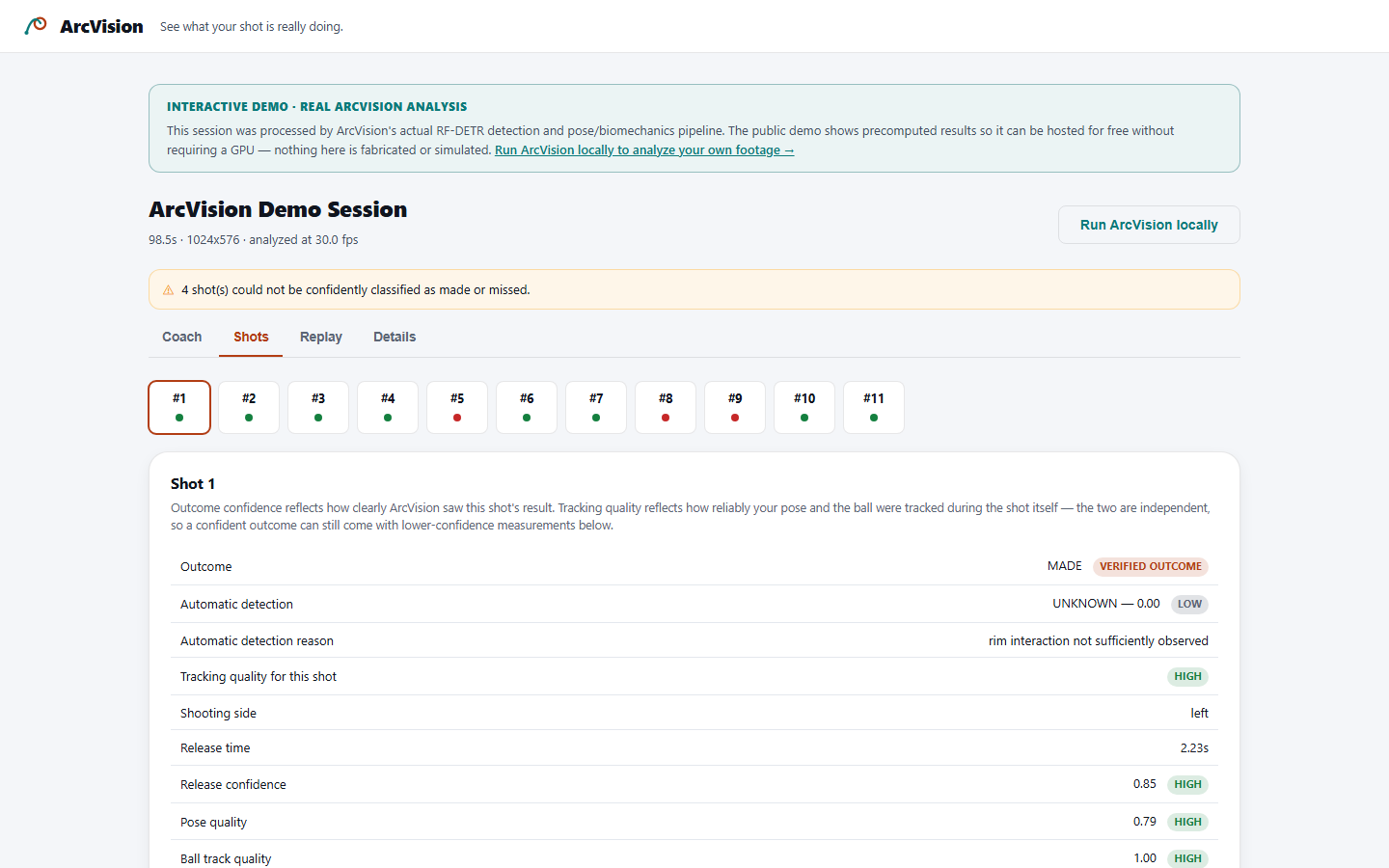
The public demo is a real ArcVision session, not a mockup. Replay the annotated video, jump to any shot, and see the verified outcome next to the mechanics ArcVision actually measured.
Try Interactive Demo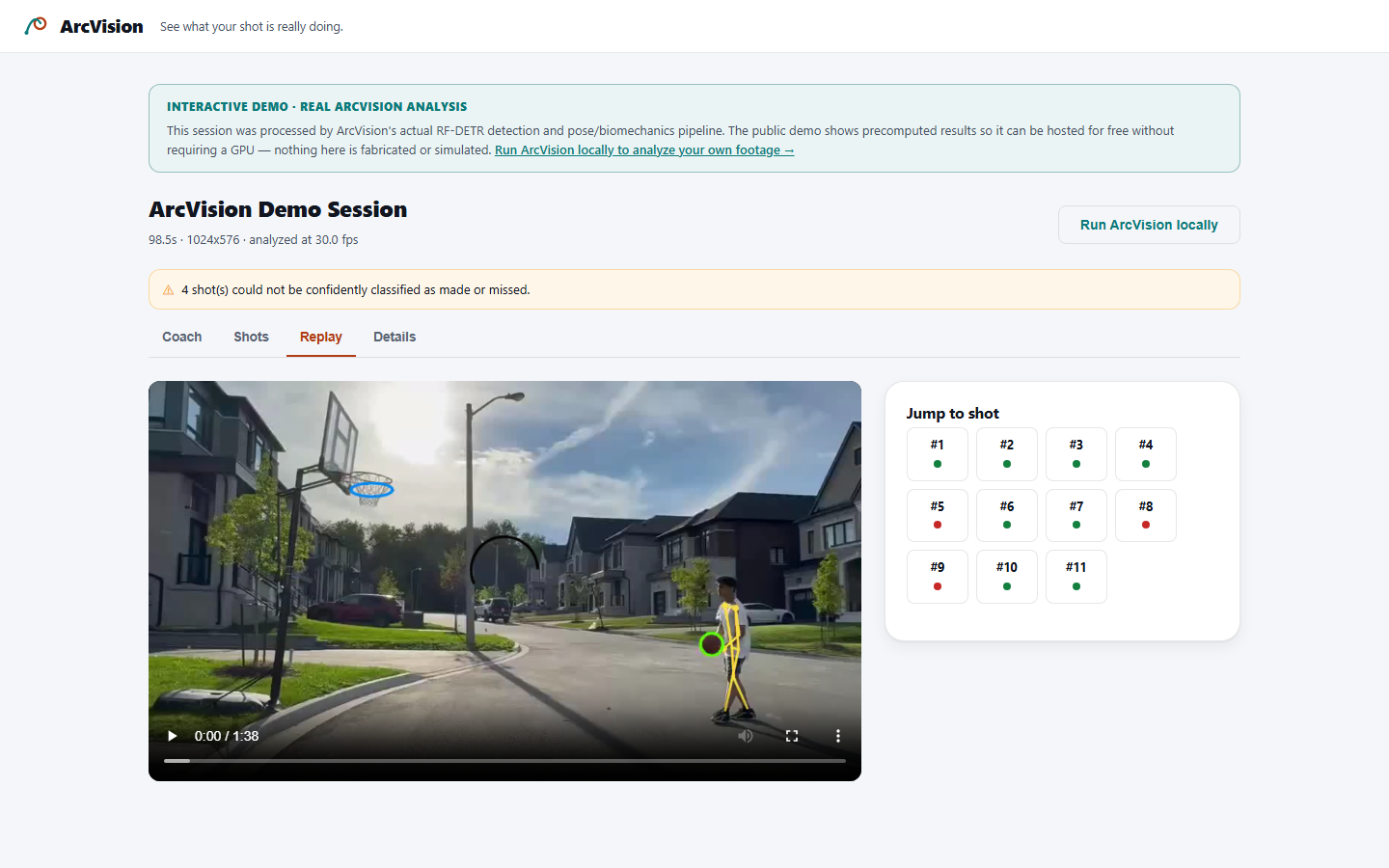
Analyzing your session…
This can take a few minutes depending on video length.